
Download SignalRGB – RGB lighting, lighting control, PC customization, gaming setup, fan monitoring, device integration, synchronized lighting, performance profiles, profile customization, immersive experience
Overview
SignalRGB is a specialized utility designed to unify and enhance RGB lighting across a user’s PC ecosystem. Its primary purpose is to provide centralized control over lighting effects for various components and peripherals, enabling users to create visually striking and personalized computing environments. The app addresses the common challenge of fragmented lighting management across multiple devices—such as motherboards, GPUs, RAM, keyboards, and fans—by offering a single interface for configuration and synchronization. This is particularly valuable for gamers, content creators, and tech enthusiasts who prioritize aesthetic immersion and system customization.
Target users include PC builders, streamers, and individuals seeking to elevate their desktop experience through dynamic lighting. While the app functions without registration, creating an account unlocks expanded features, suggesting a tiered functionality model. SignalRGB supports integration with popular titles like Diablo IV and Fortnite, enhancing gameplay through reactive lighting effects. Real-world use cases range from setting up a calming ambient glow during work sessions to triggering intense color bursts during in-game events. In the broader app ecosystem, SignalRGB fills a niche by combining lighting control with performance monitoring, making it more than just a visual tool.
Key Features & Functionality
- Centralized Lighting Control: SignalRGB allows users to manage all RGB-enabled devices from one interface, eliminating the need to switch between multiple manufacturer-specific software suites.
- Profile Customization: Users can create and save personalized lighting profiles tailored for different activities—gaming, productivity, media consumption—each with unique color schemes and animation effects.
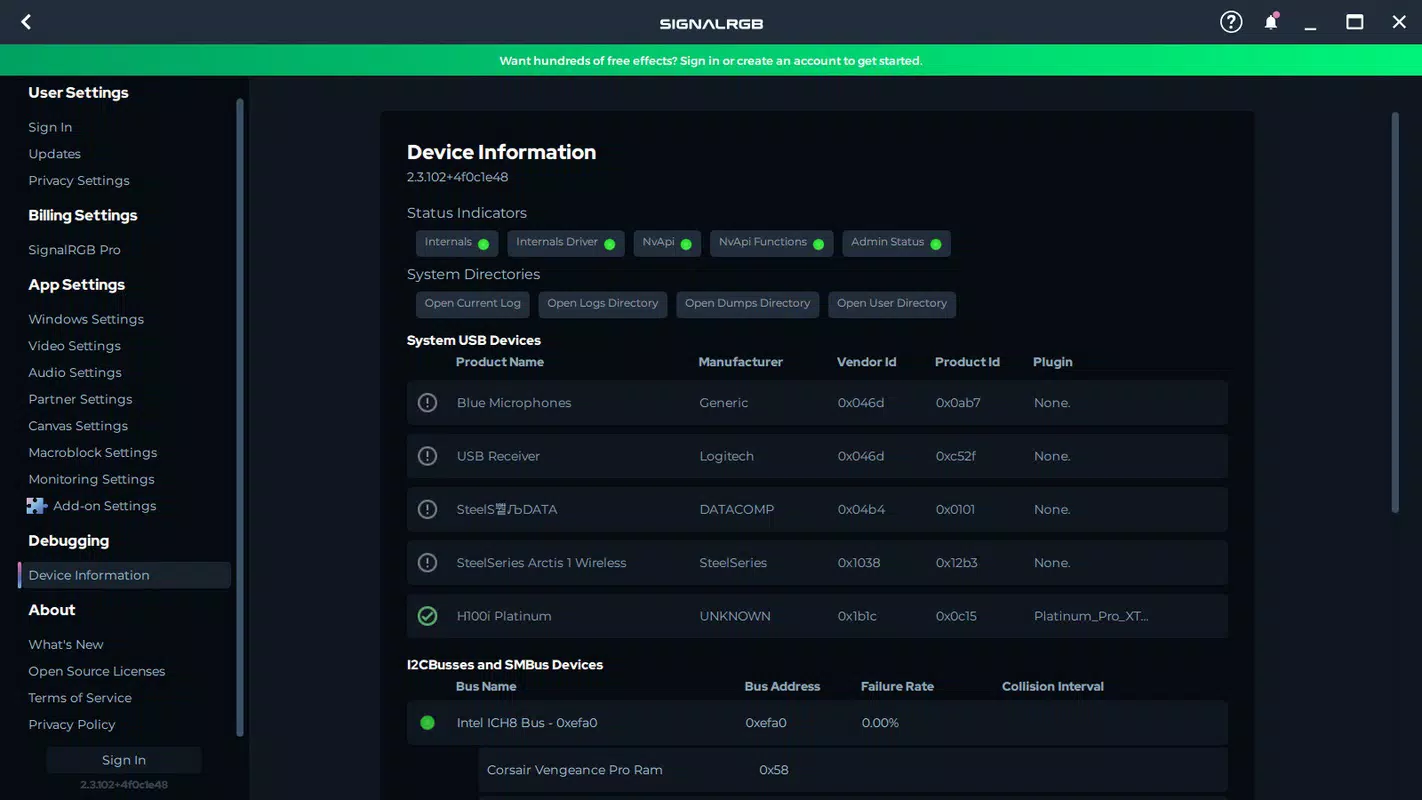
- Device Compatibility & Auto-Detection: The app automatically identifies most connected RGB devices. For unsupported or specific hardware like RGB fans or tower lighting, a guided configuration process is available via the official website’s tutorial resources.
- Performance Monitoring: Beyond lighting, SignalRGB offers fan speed monitoring and the ability to apply performance profiles, enabling users to balance cooling efficiency and noise levels.
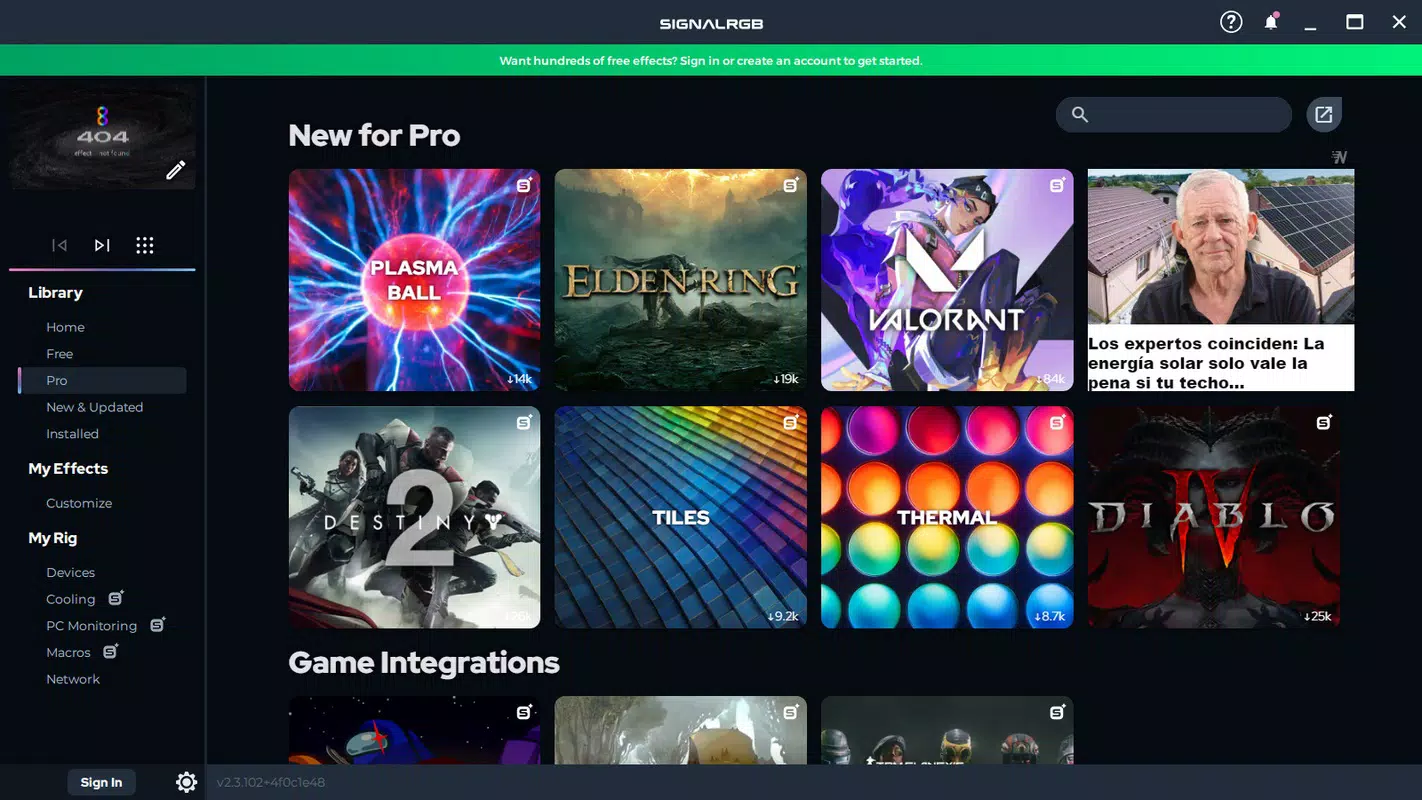
- Game Integration: Full synchronization with games such as Diablo IV and Fortnite allows lighting effects to react dynamically to in-game actions, enhancing immersion and atmosphere.
For example, a user might configure a “Night Mode” profile with dim, pulsing blue lights for late-night work, while switching to a “Battle Royale” mode that flashes red and orange during intense moments in Fortnite. The ability to manually adjust fan outputs provides fine-grained control, though users should exercise caution to avoid overheating or hardware stress.
Interface, UX & Performance
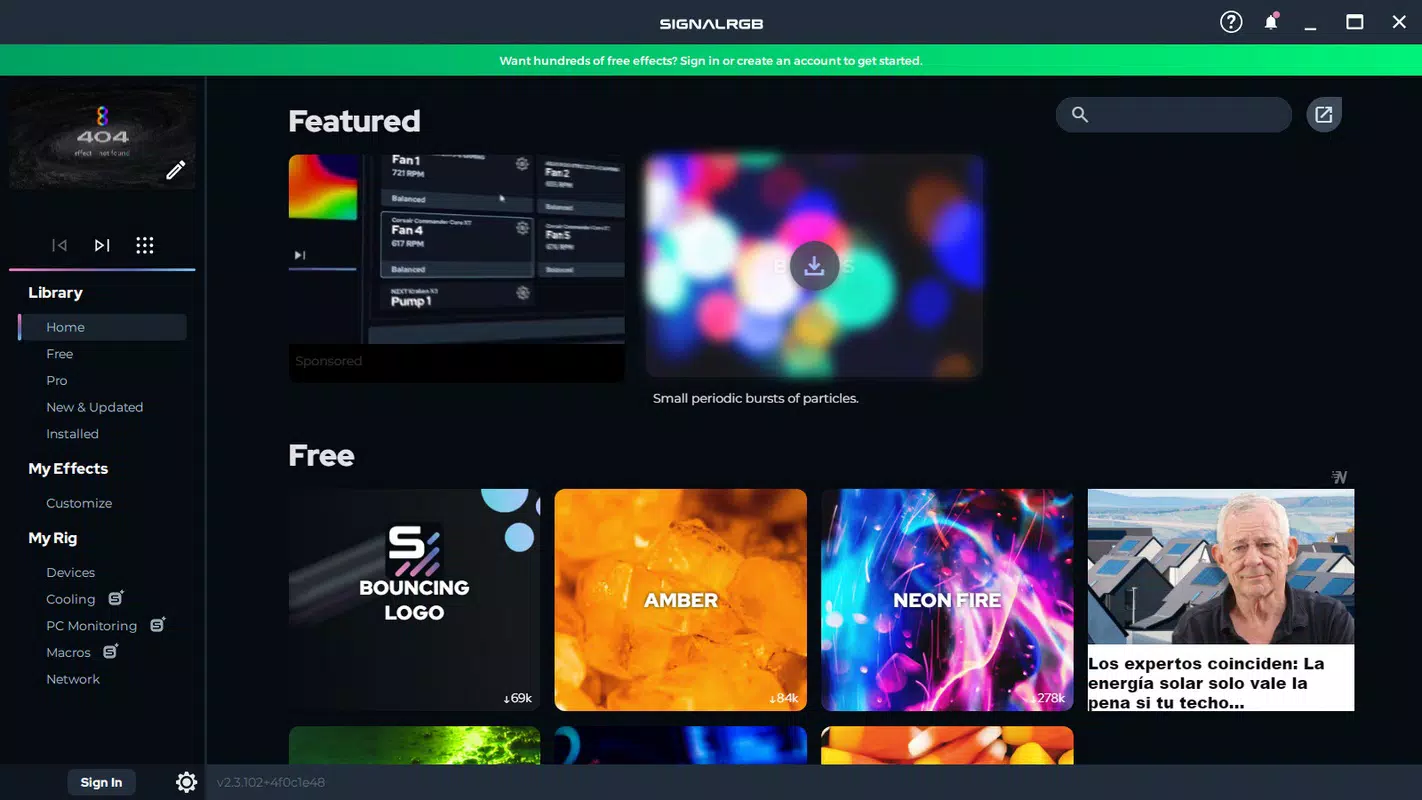
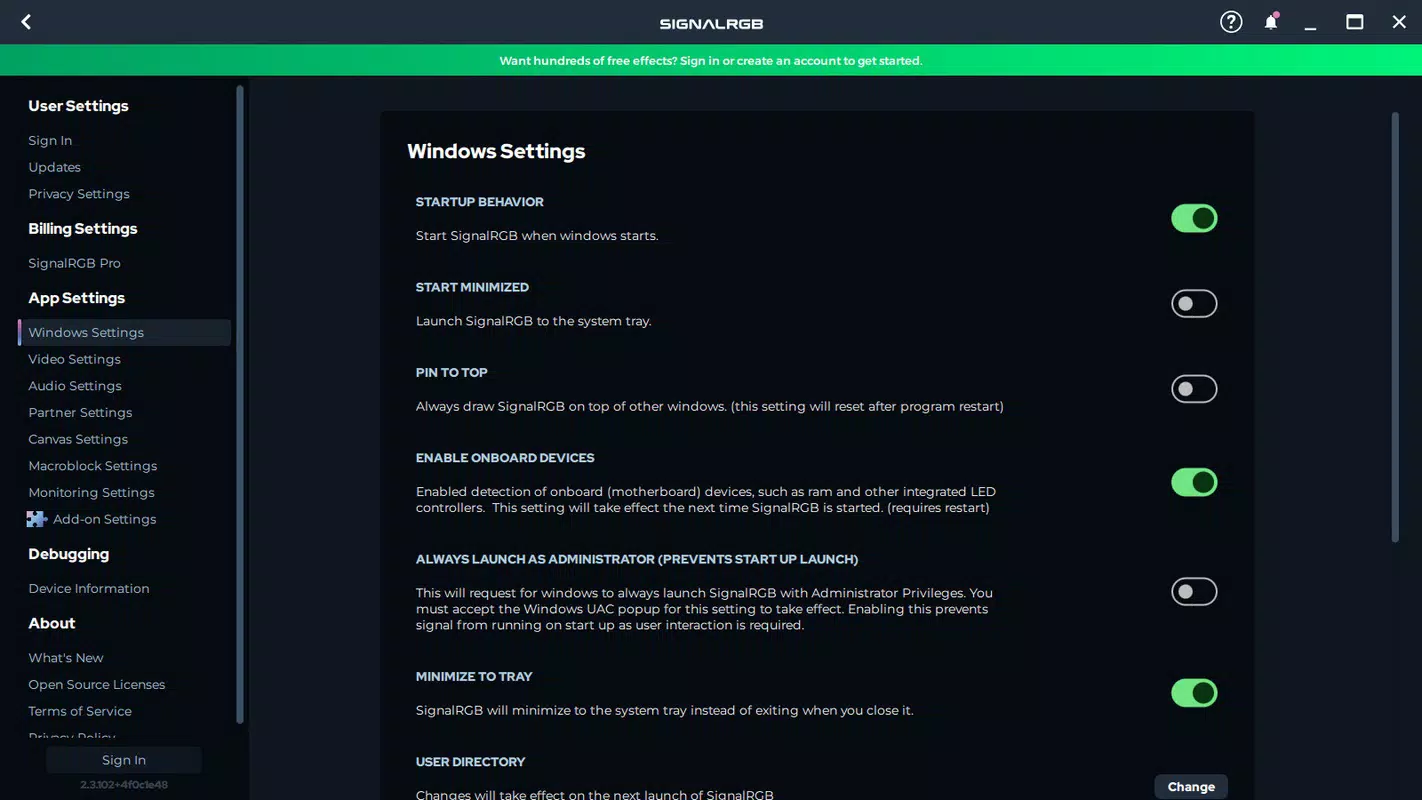
SignalRGB features a clean, intuitive interface with a modern layout that prioritizes accessibility. Navigation is streamlined, allowing users to quickly access lighting profiles, device settings, and monitoring tools. The visual style emphasizes clarity and responsiveness, with real-time previews of lighting effects and system status indicators. Interaction is smooth, with minimal lag during transitions between profiles or when adjusting settings.
Although the developer did not list formal performance metrics, the app’s lightweight footprint of 48.2 MB suggests efficient resource usage. It is designed to run in the background without significant impact on system performance. The app maintains stability across different device categories, including mid-range and high-end PCs, with consistent responsiveness during configuration and real-time updates.
Users can expect reliable operation during extended gaming sessions or continuous desktop use. The absence of reported crashes or freezes in available data indicates strong stability. Overall, the UX is optimized for both beginners and advanced users, with tooltips and guided setup processes supporting onboarding.
Platform Compatibility & Technical Requirements
SignalRGB is designed exclusively for the Windows platform, with no information available on iOS or Android support. The current version is 1.2.0, and the app occupies 48.2 MB of storage space. The developer did not specify minimum OS requirements, nor were details provided about hardware prerequisites beyond general compatibility with RGB-enabled devices.
This suggests that the app is compatible with most modern Windows systems, though users should verify system compatibility with their specific hardware. No additional software dependencies were mentioned. The app is available for free, with no in-app purchases or subscription fees currently reported.
Pros and Cons
Pros
- Centralized control over multiple RGB devices simplifies system customization.
- Supports real-time lighting synchronization with popular games like Diablo IV and Fortnite.
- Offers both aesthetic and functional benefits, including fan speed monitoring and performance profile management.
- Lightweight design (48.2 MB) ensures minimal system impact.
- Free to download and use with optional account registration for enhanced features.
Cons
- Specific OS requirements were not disclosed, which may affect compatibility for older systems.
- Advanced features are locked behind account registration, potentially limiting access for casual users.
- Manual fan control requires user caution to prevent hardware damage.
- Device compatibility may vary, with some hardware requiring additional configuration steps.
- Official documentation and support resources are not detailed in the provided information.
FAQ
Is SignalRGB safe to use?
Yes, SignalRGB is designed to operate securely within the Windows environment. It does not require administrative privileges for basic functionality, and no known security vulnerabilities have been reported. However, users should exercise caution when adjusting fan settings to avoid potential hardware stress.
Can I use SignalRGB without creating an account?
Yes, the app can be used without registration. However, creating an account unlocks additional features and content, such as cloud-synced profiles and access to exclusive lighting templates.
Does SignalRGB support all RGB devices?
SignalRGB automatically detects most common RGB devices. For specific or less common hardware, users may need to follow configuration guides available on the official website. Compatibility may vary depending on the device model and connection type.
Is SignalRGB free to download and use?
Yes, SignalRGB is currently available at no cost. There are no in-app purchases or subscription models reported. The app is supported through optional account features and future updates.
How often is SignalRGB updated?
The latest version is 1.2.0, released on July 25, 2025. While update frequency is not specified, the developer maintains an active release schedule, with new features and compatibility improvements regularly introduced.
Final Thoughts
SignalRGB stands out as a powerful yet accessible tool for users aiming to unify and personalize their PC’s lighting experience. By combining aesthetic customization with functional monitoring, it caters to both casual users and enthusiasts who value immersion and performance. Its seamless integration with major games and support for diverse RGB hardware make it a compelling choice for modern gaming setups.
The free availability, lightweight design, and intuitive interface further enhance its appeal. Whether you're building a high-end rig or simply enhancing your current desktop, SignalRGB offers tangible value. For anyone seeking a more dynamic and responsive computing environment, this app delivers on its promise.
Download SignalRGB now


